Most Saudi businesses already run on WhatsApp. Customers send a voice note at night, ask for a price on Friday, or confirm an appointment in a two-word reply. The question is not whether to use WhatsApp. It is whether one phone on the reception desk can keep up.
The short answer: the WhatsApp Business API, which Meta calls the WhatsApp Business Platform, lets your own systems send and receive WhatsApp messages. It suits a business with several people answering chats, a CRM to connect, or reminders to automate. It comes with rules: replies are open for 24 hours after the customer writes, later messages must use approved templates, and Meta charges per message.
What is the WhatsApp Business API?
The WhatsApp Business API is the way software talks to WhatsApp. Meta's developer documentation describes the Cloud API as the part that lets a business "programmatically message and call on WhatsApp". Instead of typing on a phone, your website, CRM or booking system sends the message.
The platform has a few parts you will hear about during setup. A business portfolio holds your company's Meta assets. A WhatsApp Business account holds your phone numbers and message templates. Each business phone number can carry a display name, which is the name customers see.
There are two ways to connect. A developer can connect your systems to Meta's Cloud API directly. Or you can use a Meta Solution Partner or a software tool that has already built the connection and gives you a shared inbox on top. Either way, the rules below are Meta's, and they apply to everyone.
WhatsApp Business app or the API: which do you need?
The free WhatsApp Business app is enough for many small businesses. The API starts to make sense when the phone becomes the bottleneck.
| WhatsApp Business app | WhatsApp Business API | |
|---|---|---|
| Who answers | One person on a phone, or a few linked devices | A team, from a shared inbox or a CRM |
| Connections | Works on its own | Connects to your CRM, website, booking or order system |
| Automation | Greeting and away messages, quick replies | Rules you design: routing, reminders, order and booking updates |
| Messages after 24 hours | Normal chat | Only approved template messages |
| Cost | Free app | Meta charges per message, plus any provider or development cost |
| Fits best when | One person handles a manageable number of chats | Several people reply, leads get lost, or you need reminders at scale |
A general comparison. Features change, so check Meta's current documentation before you decide.
A simple test: if you can't tell who replied to a customer yesterday, or a chat sat unanswered because the person with the phone was out, you have outgrown the app.
How does the 24-hour customer service window work?
This rule shapes everything you build on the API. Meta's documentation explains the customer service window. When a customer messages or calls you, a 24-hour timer starts. Each new message from them resets it. While the window is open, you can reply with normal messages. When it closes, you can only send pre-approved template messages.
For a Saudi business, the window has practical effects:
- Reply the same day. A lead who wrote on Thursday evening and gets an answer on Sunday morning is outside the window. You can only reach them with a template.
- Plan for weekends and holidays. Ramadan hours and Eid breaks are when windows close unnoticed. An automatic first reply keeps the customer informed, and a reminder tells your team which chats are about to close.
- Ads can open a longer window. Meta's pricing page describes a free entry point window. When someone messages you from a Click to WhatsApp ad or a Facebook Page button on the mobile app, all messages are free for 72 hours.
What are template messages?
A template is a message you write in advance and submit to Meta for review. Templates are how you start a conversation, or continue one after the window closes. They can include placeholders, such as the customer's name or an appointment time.
Meta sorts templates into three categories:
| Category | What it is for | Example for a Saudi business |
|---|---|---|
| Marketing | Promotions, offers, announcements and anything that mixes promotion with an update | A clinic announcing new evening hours during Ramadan |
| Utility | Non-promotional updates about something the customer asked for, ordered or booked | "Your appointment is tomorrow at 5 pm. Reply 1 to confirm." |
| Authentication | One-time passcodes to verify identity | A login code for a customer portal |
Examples only. Meta decides the final category during review.
Category matters because it changes the price and the review. Meta says a template that mixes utility and promotional content counts as marketing. If you submit a reminder with an offer at the end, expect it to be approved as marketing. Keep utility templates strictly about the customer's order, booking or account.
How much does the WhatsApp Business API cost?
There are two kinds of cost: what Meta charges for messages, and what your provider or developer charges for the software and setup.
For Meta's part, its pricing page says that since 1 July 2025 it charges per message, not per conversation. Rates depend on the template category and the recipient's country code, and Saudi Arabia has its own rates. Meta added the Saudi riyal as a billing currency from 1 April 2026. Meta may change rates only on the first day of a quarter, so check the current rate card before you plan volumes.
One change matters for anyone who read older guides. Until recently, replies inside the 24-hour window were free. Meta's documentation on upcoming pricing says that from 1 October 2026 it charges for service messages and for utility messages sent in response to users. At the time of writing, Meta's main pricing page still described these messages as free, so ask your provider how they appear on your bill.
What this means in practice: every message now has a cost, so automation should be useful, not chatty. One clear reminder beats three messages that say the same thing.
What do opt-in rules and Saudi data protection law require?
Two sets of rules apply: Meta's, and Saudi Arabia's.
Meta's opt-in rules say you need the person's opt-in before you message them. The opt-in must make clear they are agreeing to receive messages, and it must name your business. You must also give clear instructions for opting out of specific kinds of messages, and honour those requests. A phone number written on a paper form is not an opt-in to marketing on WhatsApp.
On the Saudi side, a WhatsApp inbox is personal data: names, numbers and conversations. SDAIA's guide to the Personal Data Protection Law says you must identify a lawful basis for each purpose you use personal data for. It also says people can withdraw their consent at any time. So record where each opt-in came from, and make "stop" work the first time someone says it.
This is a practical summary, not legal advice. For anything beyond the basics, ask a lawyer who works with the PDPL.
How many messages can you send?
New accounts start small. Meta's messaging limits documentation says a new business portfolio can message up to 250 unique people in a rolling 24 hours outside an open customer service window. Messages you send inside an open window, after the customer wrote to you, don't count toward that limit.
You can raise the limit to 2,000 by completing one of Meta's scaling paths. After that, Meta can raise it further if your messages are high quality and you use at least half your current limit. Quality is the key word. If people block or report your messages, your limits and templates suffer. A business that only messages people who asked to hear from it rarely has this problem.
Can you keep the WhatsApp Business app on the same number?
Often, yes. Meta's onboarding documentation describes a setup where a business connects its existing WhatsApp Business app number to the Cloud API and keeps using the app for one-to-one chats. Up to six months of one-to-one chat history can be synced.
There are limits. Meta lists broadcast lists as disabled, and group chats and some app features as not supported, once a number is connected this way. Ask your provider whether it supports this setup for your number before you start, and keep the number customers already know if you can.
What should you automate first?
Start with the three things that lose the most leads, then add more only when they work:
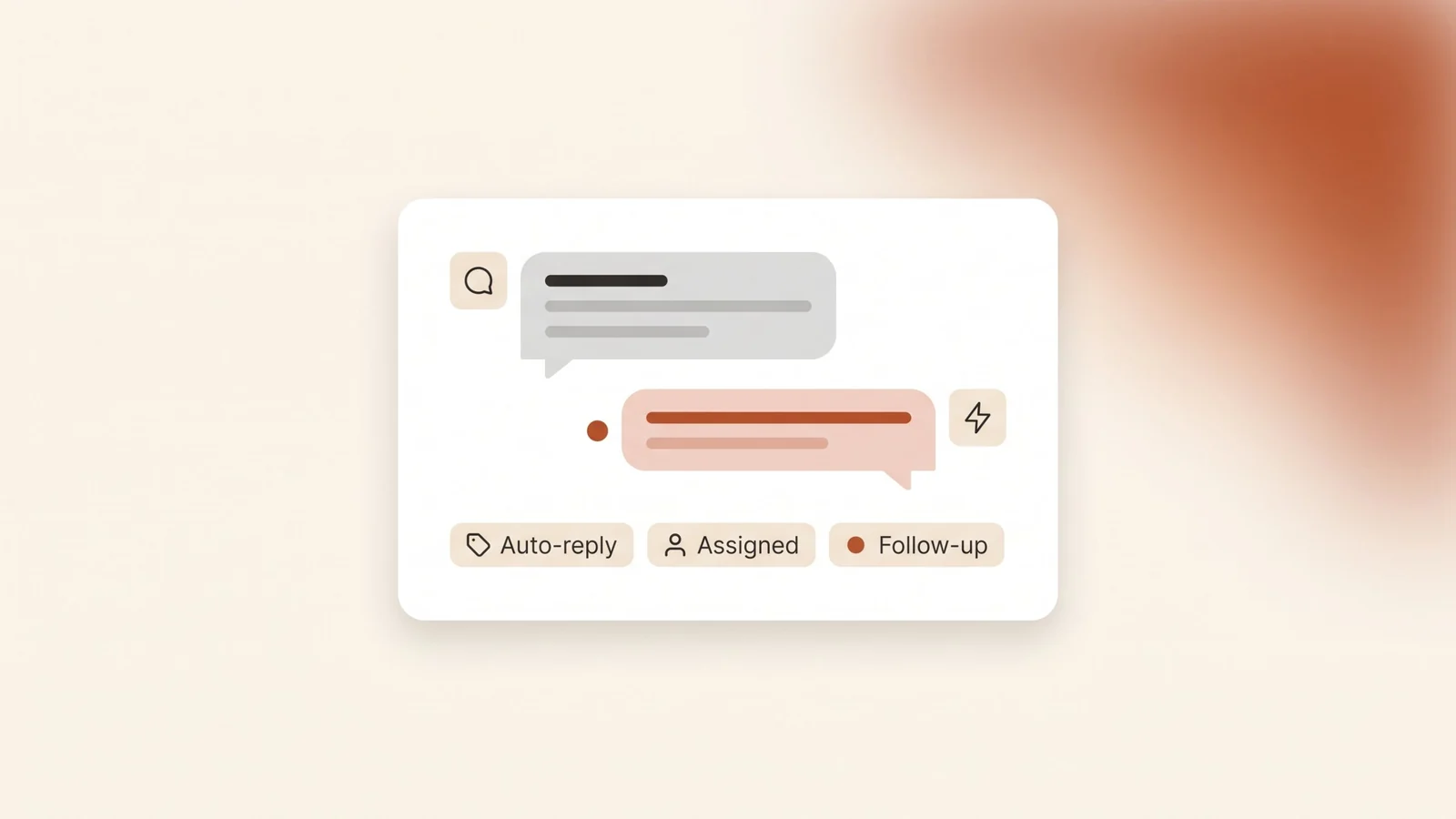
- Auto-reply. An instant first reply that says who you are, your working hours and what happens next. It should also ask one useful question, such as which service or branch the customer needs.
- Assignment. Each new chat goes to one named person, based on the service, branch or language. Shared inboxes without assignment turn into "I thought you replied".
- Follow-up. A reminder to your team before a window closes, and an approved template for the customers who went quiet. Appointment reminders for clinics and viewing reminders for real estate offices are good first templates.
All three work best when WhatsApp feeds a CRM, so each chat becomes a lead with an owner and a next step. Our guide to choosing a CRM for a small business covers what to check.
What mistakes should you avoid?
- Moving to the API before fixing replies. The API does not answer customers for you. If nobody owns the inbox today, it won't own itself after the move.
- Messaging lists without opt-in. Uploading old customer numbers and sending an offer is the fastest way to get blocked, and it breaks Meta's rules.
- Hiding offers in utility templates. Meta will treat them as marketing, and repeated misuse can lead to restrictions on your templates.
- A bot with no way out. Customers should reach a person in one step, especially for complaints and urgent requests.
- Arabic as an afterthought. Write templates in Arabic first, test them on a phone, and keep English versions for customers who prefer it.
Where to start
- Count your chats for two weeks: how many come in, who answers, how long the first reply takes, and how many get no reply.
- Decide if you need the API using the table above. If one person copes, improve the app setup first.
- Write your opt-in wording for your website forms, booking pages and in-store sign-ups.
- Draft your first templates: one utility reminder and one follow-up, in Arabic and English.
- Choose how to connect: a provider's inbox, or a direct Cloud API connection to your own systems.
- Set up the three automations: auto-reply, assignment and follow-up. Review them after a month.
Frequently asked questions
What is the difference between WhatsApp Business and the WhatsApp Business API?
WhatsApp Business is a free app that one person uses on a phone. The WhatsApp Business API, part of Meta's WhatsApp Business Platform, lets your CRM, website or inbox software send and receive messages, so a team can share chats and automate replies and reminders.
Is the WhatsApp Business API free?
No. Meta charges per message, with rates set by message category and the recipient's country. Meta's documentation says service messages and utility replies inside the 24-hour window are also charged from 1 October 2026. Providers and developers charge separately for their software and setup.
Can I send WhatsApp messages to customers who haven't messaged me?
Only with an approved template, and only if they opted in. Meta requires opt-in that names your business and makes clear they agreed to receive messages. Saudi data protection law also expects a lawful basis for using their data and lets them withdraw consent.
What happens after the 24-hour window closes?
You can only send pre-approved template messages. The window opens again, for another 24 hours, as soon as the customer replies. That is why same-day replies and a reminder before the window closes matter so much.
Do I need a new phone number for the API?
Not always. Meta documents a way to connect an existing WhatsApp Business app number to the Cloud API and keep using the app for one-to-one chats, with some features turned off. Check with your provider that it supports this for your number.
The bottom line
The WhatsApp Business API is worth it when chats are lost because one phone can't keep up. It lets a team share the inbox, connect WhatsApp to a CRM and send reminders at scale. It also brings Meta's rules: the 24-hour window, approved templates, opt-in and per-message charges. Start with the three automations that save the most leads, and keep every message useful.
If you want WhatsApp connected to your CRM with auto-replies, assignment and follow-ups built around how your team works, book a free audit and bring two weeks of chat numbers.