
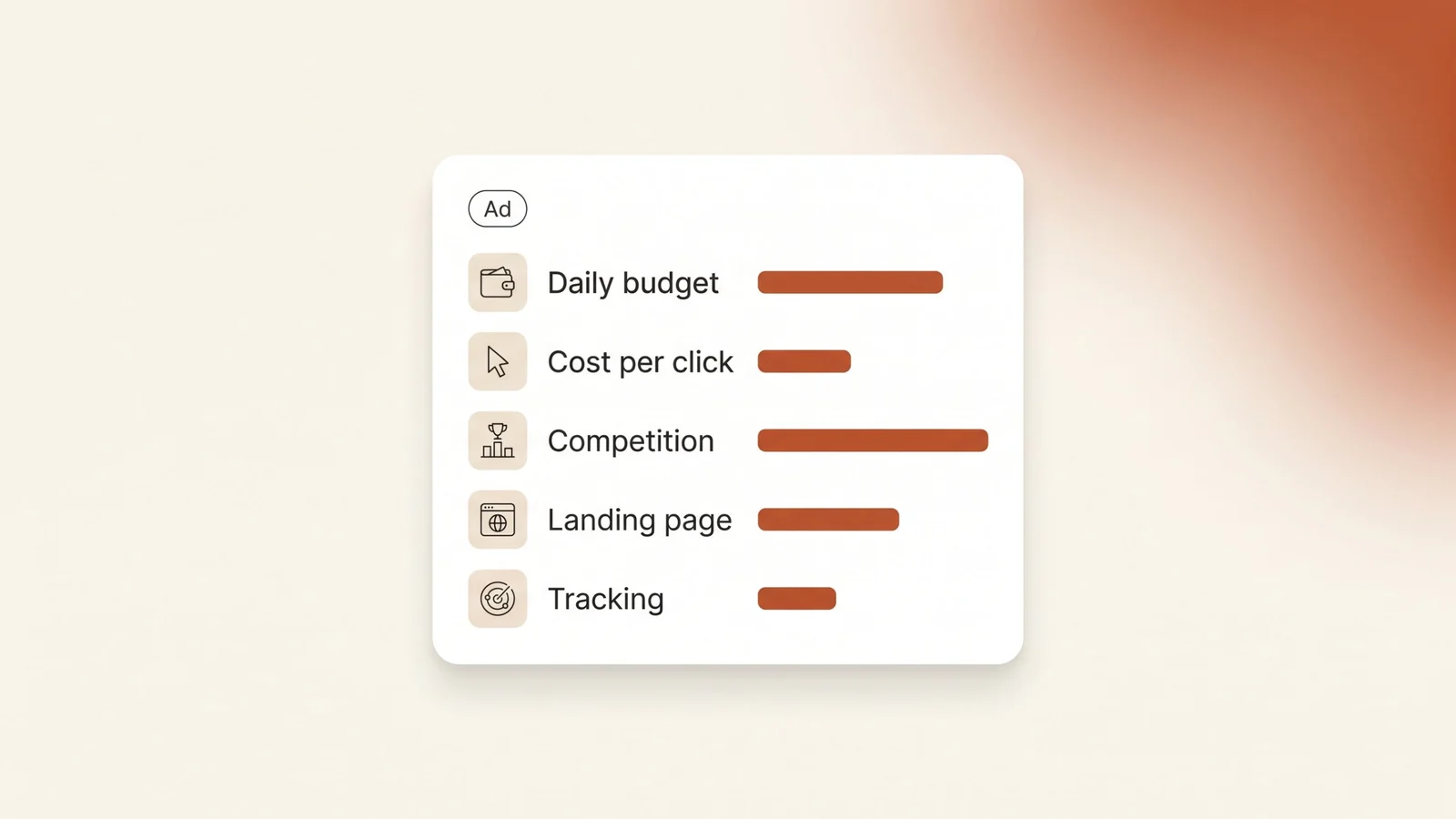
The first question most business owners ask about Google Ads is how much it costs. The honest answer is a method, not a price list. Here is how the price is set, how budgets behave, and how to work out a number for your own business.
The short answer: Google Ads has no fixed price in Saudi Arabia. You choose your own daily budget, and you pay each time someone clicks your ad. The price of each click is set by an auction that runs on every search. Your bid, the quality of your ad and landing page, and your competitors decide that price. To find your number, check your keywords in Keyword Planner and budget for enough clicks to learn from.
How is Google Ads priced?
Google Ads works as an auction, not a price list. Google runs an auction every time an ad space is available. With cost-per-click bidding, you pay only when someone clicks your ad and lands on your site. Showing up and being ignored costs nothing.
Your bid is the most you are willing to pay for one click. It is a ceiling, not the price. Google says your actual cost per click is often less than your maximum bid, because you pay only what it takes to clear Google's minimum thresholds and beat the advertiser ranked just below you. With manual bidding, you are never charged more than your maximum bid. Automated bid strategies can go above it on some clicks.
This is why two businesses on the same street can pay very different amounts for the same search.
What decides your cost per click?
Google uses a set of values called Ad Rank to decide whether your ad shows and where. According to Google, Ad Rank is based on six factors:
| Factor | What it means | Can you change it? |
|---|---|---|
| Your bid | The most you will pay for one click | Yes |
| Ad and landing page quality | How relevant and useful your ad and page are to the search | Yes, and it is the cheapest lever |
| Ad Rank thresholds | The minimum an ad must reach to show at all. Top positions have higher thresholds | Only through better quality |
| Auction competitiveness | How close competing advertisers are to you | No |
| Search context | The words searched, plus the location, device and time of the search | Partly, through targeting and schedule |
| Assets and ad formats | The expected effect of extras like call buttons and sitelinks | Yes |
Factors from Google's Ad Rank help page. The last column is our reading of what an advertiser controls.
Quality is the factor most owners underestimate. Google states that higher quality ads typically cost less per click than lower quality ads. An ad that matches the search, sending people to a page about exactly that service, can hold the same position for less money.
Competition is the factor you can't control. It changes by sector, by city and by language. Arabic and English versions of the same service are different keywords with their own prices, so check both before you decide anything.
How do daily and monthly budgets work?
You don't set a monthly budget in Google Ads. You set an average daily budget for each campaign, and Google's budget rules work from that number:
- One day can cost up to double. On a given day, a campaign can spend up to twice its average daily budget. Google does this on days with more searches.
- The month has a hard cap. You are never charged more than your average daily budget multiplied by 30.4, the average number of days in a month.
- Overspend is credited back. If delivery goes over the monthly limit, your charges still stop at the limit. The adjustment shows in your transaction history.
| Average daily budget | Most it can spend in one day | Most you pay in a month |
|---|---|---|
| SAR 50 | SAR 100 | SAR 1,520 |
| SAR 100 | SAR 200 | SAR 3,040 |
| SAR 200 | SAR 400 | SAR 6,080 |
Simple arithmetic from Google's budget rules. Example budgets, not recommendations.
To work backwards from a monthly figure, divide it by 30.4. A monthly limit of SAR 3,000 means a daily budget of about SAR 99. And if one day's spend is double what you expected, don't panic. Judge the month, not the day.
How to estimate your own Google Ads budget
Nobody can give you a correct budget without looking at your keywords. You can estimate one yourself in five steps:
- Pick one service and one city. Write 10 to 20 specific keywords that someone ready to buy would type, in Arabic and English. For example, "commercial lawyer Jeddah" and "محامي قضايا تجارية جدة".
- Check them in Keyword Planner. It sits inside your Google Ads account. For each keyword it shows a "top of page bid" low range and high range. Google describes the low range as roughly the 20th percentile of what advertisers have paid, and the high range as roughly the 80th percentile.
- Decide how many clicks a day you need. Daily budget = clicks per day × expected cost per click. Use the middle of the range, not the low end.
- Multiply by 30.4. That is the most the campaign can cost you in a month.
- Estimate inquiries with your own numbers. Clicks × the share of visitors who call, message or fill in the form on your page. If you don't know that share yet, the first month is how you find out.
| Step | Example |
|---|---|
| Keyword Planner range for your keywords | SAR 4 to SAR 12 per click |
| Expected cost per click (middle of range) | SAR 8 |
| Clicks you want per day | 10 |
| Daily budget (10 × SAR 8) | SAR 80 |
| Most you pay in a month (SAR 80 × 30.4) | SAR 2,432 |
Illustrative numbers to show the method, not market prices. Your keywords will have their own range.
If the result is more than you want to spend, narrow the campaign instead of thinning it. Cut services or cities, not clicks per day. A small budget spread across five services buys a few clicks for each, and you learn almost nothing about any of them.
What makes Google Ads cost more than it should?
Most wasted spend comes from settings, not from the price of clicks. We cover these in detail in our guide to common Google Ads mistakes. The ones that hit the budget hardest:
- Broad match on a new account. Google says broad match is the default match type for new keywords. It can show your ad on loosely related searches you would never pick yourself.
- Location set to "Presence or interest". This is Google's default and recommended location option. It reaches people in your area and people who have shown interest in it. If you only serve Riyadh, the "Presence" option keeps your ads to people who are actually there.
- Ads running when nobody answers. You pay for a click at 2 AM just like a click at 11 AM. If no one picks up the phone at 2 AM, set an ad schedule, and update it for Ramadan and Eid hours.
- Clicks sent to the homepage. Landing page quality is part of Ad Rank. A general page loses the visitor and can also raise what you pay per click.
- No conversion tracking. Without it you can't see which keywords bring calls and messages, so you keep paying for the ones that don't.
What else should you budget for besides clicks?
The ad spend goes to Google. A campaign that brings clients needs a few more things, and each one costs time or money:
- A landing page for each service you advertise, written for the people searching for it.
- Conversion tracking for calls, WhatsApp clicks and form submissions, tested before launch.
- Someone who reads the search terms report and adds negative keywords every week.
- Time to answer. A click that turns into a call nobody answers is money spent for nothing.
One detail catches people out. Google charges a tap on the call button in your ad the same as a click on the headline. So a call from your ad is a click in your budget.
Should you start with a small budget?
Google's own advice is to start with a small budget and check your account daily after you set it. Google also shows a recommended budget, based on about the past 15 days of a campaign's performance.
Treat that recommendation as information, not an instruction. It tells you there was more traffic available. It does not tell you whether that traffic would have become clients. A small budget works when it is focused: one service, one city, specific keywords, and a page built for that search.
Frequently asked questions
How much does Google Ads cost per month in Saudi Arabia?
There is no fixed monthly fee. You set an average daily budget, and Google never charges more than that budget multiplied by 30.4 in a month. A daily budget of SAR 100, for example, caps the month at SAR 3,040. What that money buys depends on your cost per click, which depends on your keywords, your ads and your competitors.
Do I pay when people see my ad but don't click?
Not with cost-per-click bidding. You pay only when someone clicks your ad. A tap on the call button in your ad counts as a click, so it is charged the same way.
Why did Google spend more than my daily budget?
On busy days, Google can spend up to twice your average daily budget. It balances this out over the month, and you are never charged more than your daily budget multiplied by 30.4.
How do I find the cost per click for my keywords?
Use Keyword Planner inside your Google Ads account. For each keyword it shows a low and a high top-of-page bid range, based on what advertisers have paid in the past. Check your Arabic and English keywords separately, because each one has its own range.
How can I lower my cost per click?
Work on the parts of the auction you control. Write ads that match the search closely, send each click to a page about that exact service, and use specific keywords. Google says higher quality ads typically cost less per click than lower quality ads.
The bottom line
Google Ads costs what you allow it to cost. You set the daily budget, and the auction sets the price of each click. What you can change is how much each click is worth: the keywords you choose, the ad you write, the page you send people to and the tracking that tells you what worked.
If you want a second look at your keywords and budget before you spend, book a free audit and bring your Keyword Planner list.