A visitor lands on your website at 11 pm. They want to know if you see children, whether you have a branch in north Jeddah, and what to bring to a first appointment. Your contact page says to call between 9 and 5. Some visitors will wait until morning. Others will go back to Google and open the next result.
The short answer: an AI chatbot on a business website answers visitors' common questions from content you approve, collects their details, and hands serious inquiries to your team. It is worth it when questions arrive outside working hours or repeat all day. It needs clear limits: no binding prices or promises, replies in Arabic and English, a fast route to a person, and chat data handled the way Saudi data protection law expects.
What does an AI chatbot on a business website do?
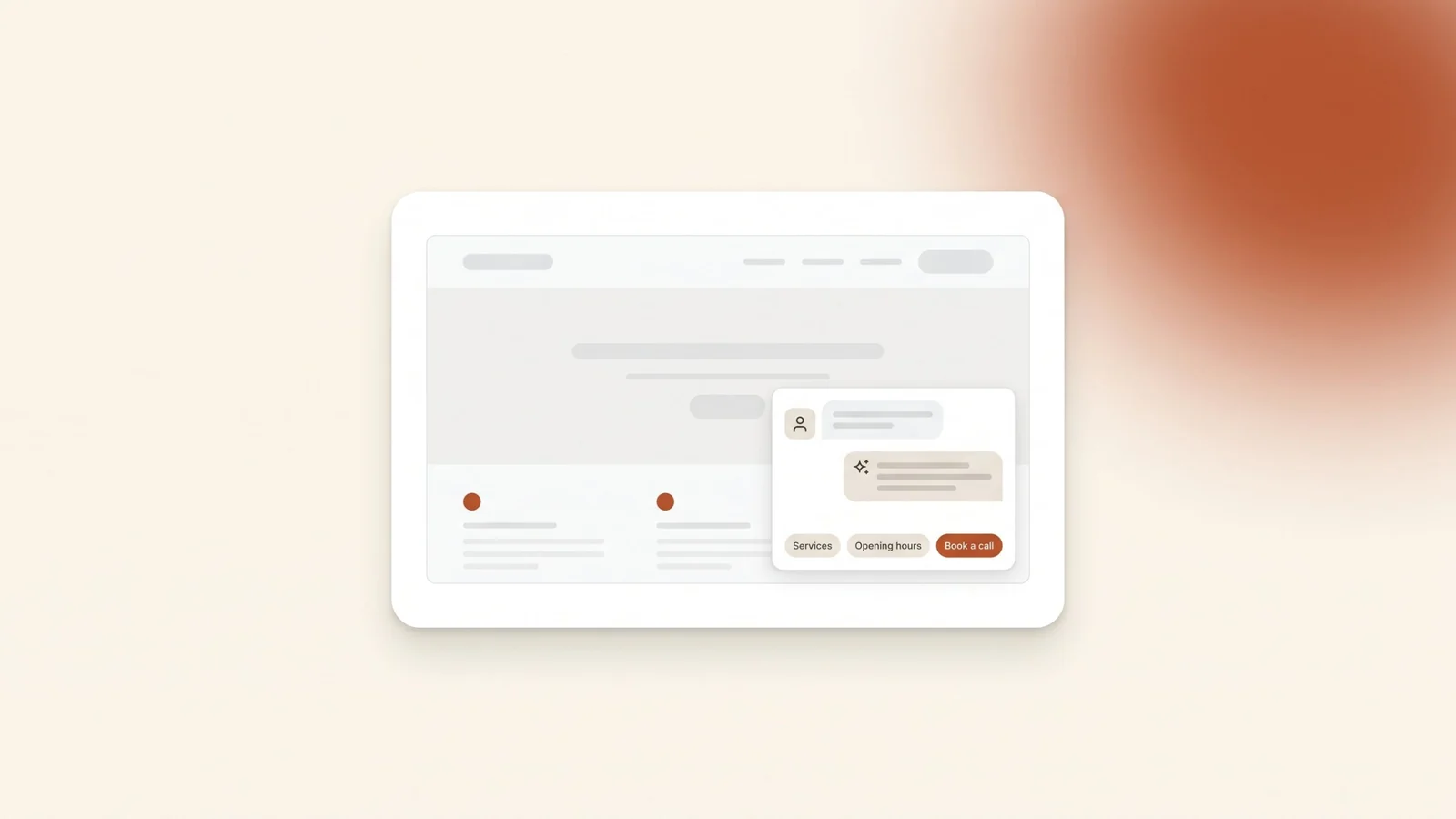
An AI chatbot is a chat window on your site that reads a visitor's question and writes a reply. Older button bots only offered fixed menus. An AI chatbot understands questions typed in the visitor's own words, including a mix of Arabic and English. A good one answers from a knowledge base you approve: your services, branches, hours, booking steps and policies.
It does three jobs. It answers the common questions. It collects the visitor's name, number and what they need. And it hands the conversation to a person when the question goes beyond what it should answer.
A chatbot does not replace your website. It answers from your content, so if your service pages are thin or out of date, the bot will be too. Fix the pages first.
Does your business need one?
Not every business needs one. A chatbot earns its place when the same questions arrive faster than your team can answer them.
| A chatbot helps when | You can skip it for now when | |
|---|---|---|
| Timing | Questions arrive at night, on weekends or during Ramadan hours | Most inquiries come by phone during working hours |
| Questions | The same ten questions repeat every day | Every inquiry is different and needs an expert from the first message |
| Team | Your team spends hours a day on basic answers | One person handles the chats comfortably |
| Traffic | You pay for ads and every visitor costs money | The site gets few visitors |
| Next step | There is a clear action: a booking, a call or a quote request | There is no clear next step to send people to |
A general guide. For many small businesses, a WhatsApp button and a clear contact page are enough.
What should the chatbot answer, and what should it never say?
Write this list before you choose any tool. It matters more than the tool.
What the chatbot should answer:
- Which services you offer, and who each one is for
- Branches, opening hours, directions and parking
- How booking works and what to bring
- Policies already published on your site, such as cancellation, delivery or returns
- How to reach a person, and when they will reply
What it should never say:
- Prices, discounts or quotes, unless they come straight from a price list you publish and keep current
- Promises about results, timelines or approvals
- Medical, legal or financial advice about a specific case
- Anything that is not in its approved content. When it doesn't know, it should say so and offer a person.
This is not a theoretical risk. In February 2024, a Canadian tribunal ruled against Air Canada after its website chatbot told a customer he could claim a bereavement fare after travelling. The airline's own policy page said the opposite. Air Canada argued it could not be held liable for what the chatbot said. The tribunal disagreed: "It should be obvious to Air Canada that it is responsible for all the information on its website." The case was decided under Canadian law, but the lesson applies anywhere. Customers treat the bot's answer as your answer.
How should it handle Arabic and English?
In Saudi Arabia, visitors write in Arabic, in English, and often in both within one message. The chatbot has to handle all of it.
- Reply in the visitor's language. If they write in Arabic, answer in Arabic. If they switch, switch with them.
- Test with real phrasing. People type "ابي موعد" and "وين موقعكم", not textbook sentences. Copy real questions from your WhatsApp chats and test the bot with them before launch.
- Approve answers in both languages. Don't rely on the bot translating your English policies on the fly. Write the important answers in Arabic and English yourself.
- Check right-to-left layout. On Arabic pages, the chat window, message bubbles and quick-reply buttons should read right to left. Check it on a phone, not just on a laptop.
When should it hand the chat to a person?
A chatbot that never lets go of the visitor loses leads. Hand the chat to a person when:
- The visitor asks for a person
- It is a complaint or an urgent request
- The question is about a price, a quote or a specific case
- The answer is not in the bot's approved content
- The visitor is ready to book or buy
How the handoff works matters as much as when. During working hours, the chat should move to a named person in your team. Outside working hours, the bot should collect the visitor's name, number and preferred time, and say honestly when someone will reply.
Every handoff should land in your CRM with the full transcript, so nobody asks the visitor the same questions twice. Our guide to choosing a CRM for a small business covers what to look for. If the follow-up continues on WhatsApp, the WhatsApp Business API guide explains the 24-hour reply window.
What does Saudi data protection law mean for a chatbot?
A chat transcript is personal data. It holds names and phone numbers, and sometimes details people type without being asked. SDAIA's guide to the Personal Data Protection Law sets out rules that apply directly to a chatbot:
- Tell people how their data is used. The guide says individuals must be given an understanding of how you process their personal data. Link your privacy policy in the chat window, next to the message box.
- Collect only what you need. The guide says you must not collect more personal data than the purpose requires. A name, a number and the service they need are usually enough. Don't ask for ID numbers or medical history in a chat.
- Don't keep transcripts forever. The guide says you should process personal data only for as long as you need it, and destroy it when you no longer need it, unless another law requires you to keep it.
- Your vendor is your responsibility. The guide says a controller must make sure every processor it uses complies with the law. It also says data hosted outside the Kingdom is still regulated by the PDPL. Ask your chatbot vendor where transcripts are stored and who can read them.
This is a practical summary, not legal advice. For anything beyond the basics, ask a lawyer who works with the PDPL.
Will a chatbot slow down your website?
It can. Most chat tools load a script from another company's server on every page. Chrome's developer documentation lists chat widgets among the third-party embeds that can slow page load. It recommends a facade: a light button that looks like the chat bubble and loads the real widget only when the visitor taps it.
Placement matters too. Don't let the chat window open on its own over the page, especially on a phone. Google's Search guidance says intrusive dialogs can frustrate visitors and erode their trust, and can make it harder for search engines to understand your content.
- Keep the chat closed by default, as a small button.
- Load the widget only when someone taps it.
- Make sure it doesn't cover your WhatsApp or booking button on mobile.
- Test the page on a phone over mobile data, before and after you add the chatbot.
How do you know it is working?
Look at these numbers every month:
- Chats started, and on which pages
- Questions answered without a person
- Chats handed to a person, and how fast someone replied
- Leads that booked a call, a visit or an appointment
- Questions the bot couldn't answer
The last list is the most useful. Every unanswered question shows a gap in your website or your knowledge base. In the first month, also read a sample of transcripts every week. You will find wrong answers there long before a customer complains.
What mistakes should you avoid?
- Letting the bot answer from the whole internet. It should answer from your content only. General knowledge is where wrong answers come from.
- No way out. A visitor stuck in a loop with no route to a person leaves, often annoyed.
- A form dressed up as a chat. Asking for name, email, number and company before answering anything feels like a form, and many visitors close it.
- English only. A bot that can't handle Arabic on a site where customers write Arabic is worse than no bot.
- Set and forget. Hours, services and policies change. A bot still giving last year's Ramadan hours is giving wrong answers.
Where to start
- Collect your 20 most common questions from WhatsApp, calls and email.
- Write approved answers in Arabic and English, and update the website pages they come from.
- Write the "never say" list and the handoff rules.
- Choose a tool that answers only from your content, supports Arabic and right-to-left layout, connects to your CRM, and tells you where data is stored.
- Load it on tap, not on page load, and keep it closed by default.
- Test it on a phone with real questions in Arabic and English.
- Review transcripts weekly in the first month, and update the content before Ramadan, Eid and any change to your services.
Frequently asked questions
How is an AI chatbot different from a normal website chat?
A normal live chat needs a person online to reply. A rule-based bot only follows the buttons you set up. An AI chatbot reads questions written in the visitor's own words, replies from content you approve, and hands the chat to a person when it should.
Can an AI chatbot reply in Saudi Arabic?
Many tools can, but quality varies a lot between them. Test each tool with real questions copied from your own WhatsApp chats, including dialect and spelling mistakes, before you choose. Keep the approved answers in clear Arabic that any customer can read.
Is my business responsible for what the chatbot says?
Treat it that way. In Moffatt v. Air Canada (2024), a Canadian tribunal held the airline responsible for wrong information its website chatbot gave, and said the chatbot was still part of its website. Keep the bot to approved answers and send price and case questions to a person.
Will an AI chatbot hurt my SEO?
Not by itself. The risks are a heavy script that slows the page and a chat window that pops up over the content. Load the widget only when a visitor taps the chat button, and keep it closed by default, especially on mobile.
Where is the chat data stored?
It depends on the tool, so ask the vendor where transcripts are stored and for how long. SDAIA's guide to the Personal Data Protection Law says you must make sure the processors you use comply with the law, and that data hosted outside the Kingdom is still covered by it.
The bottom line
An AI chatbot is worth it when visitors ask the same questions at hours your team can't cover. Build it on your own approved content, give it clear limits, make the handoff to a person fast, and handle chat data the way Saudi law expects. Done that way, the bot answers the basics and your team gets leads with the context already collected.
If you want an AI chatbot built on your own content, in Arabic and English, and connected to your CRM, book a free audit and bring the list of questions your customers ask most.