
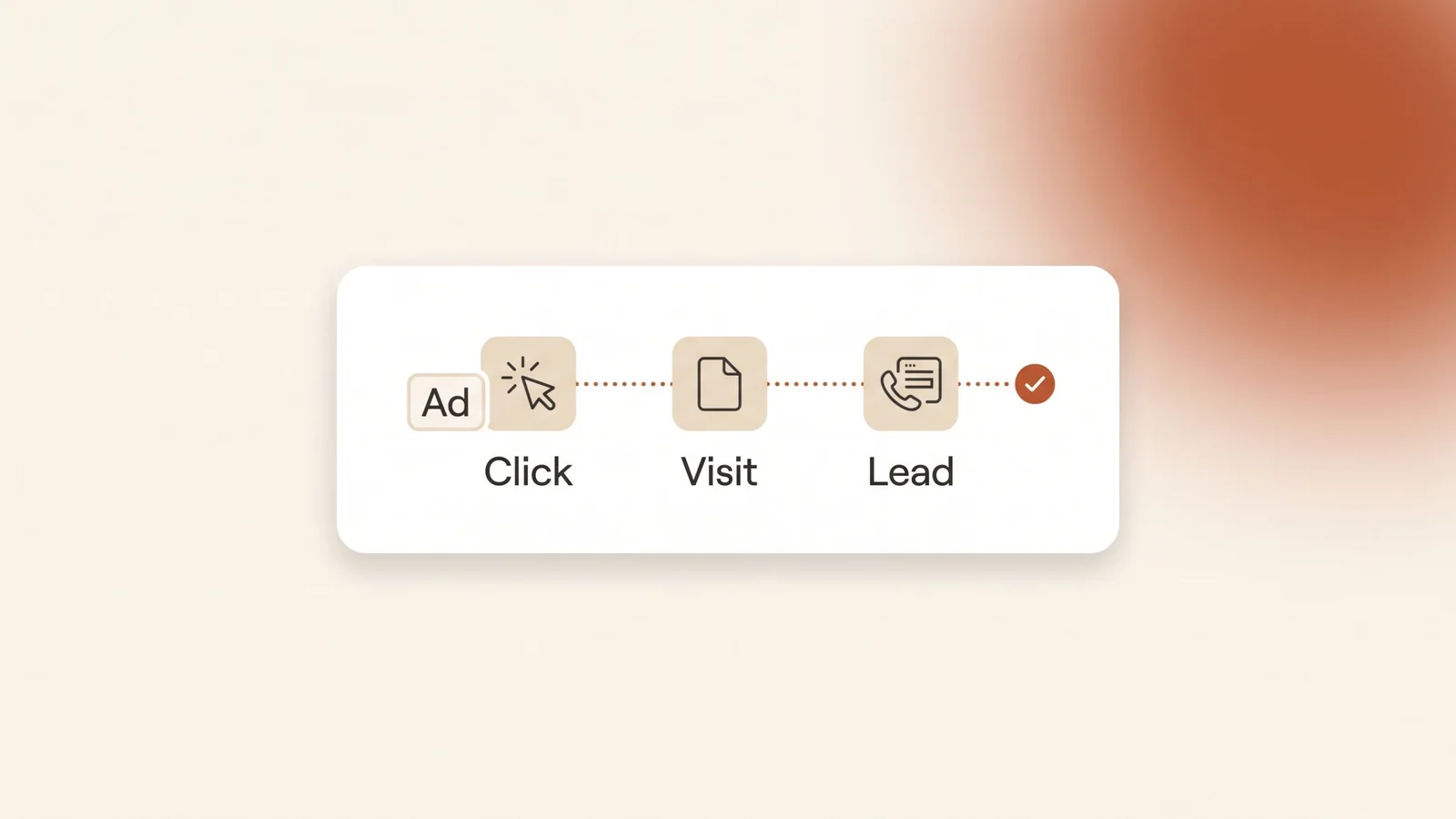
A Riyadh clinic spends on Google Ads for a month. The phone rings, WhatsApp fills up, and a few forms arrive. Then the owner opens the account and the Conversions column says zero. Nobody can say which keywords brought the patients and which ones only cost money. Google’s bidding can’t tell either. That is what an account without conversion tracking looks like.
The short answer: conversion tracking tells Google Ads which clicks turned into leads. To set it up, install the Google tag on every page, create one conversion action for each lead action (form, phone tap, WhatsApp click), count one conversion per click, mark only real leads as primary, and test each action with Tag Assistant. Google forwarding numbers aren’t available in Saudi Arabia, so record completed calls in your CRM.
What is conversion tracking in Google Ads?
A conversion is an action you count as valuable, such as a form sent, a tap on your phone number or a tap on your WhatsApp button. Conversion tracking records that action and connects it to the ad click that came before it. Google Ads then shows conversions next to each campaign, ad group and keyword.
Three pieces make it work. The Google tag is a small piece of code that runs on every page of your site. A conversion action is the rule you create in Google Ads for one specific action. Auto-tagging adds a click ID, called the GCLID, to the address of the page a visitor lands on. Google says auto-tagging is on by default for new accounts and is required to track offline conversions, so check it is still on under Admin, then Account settings.
Tracking is not only for your reports. Smart Bidding learns from conversions. Without them, Google is bidding blind, which is why missing tracking is one of the common Google Ads mistakes we see in the first week of a new account.
What should a Saudi service business track?
Track every way a customer can reach you after the click. For most service businesses in Saudi Arabia, that is a form, a phone number and a WhatsApp button. Create a separate conversion action for each one, so you can see which channel each keyword brings.
| Lead action | How to track it | What it actually counts |
|---|---|---|
| Contact form | Page load conversion on the thank-you page | Forms sent, if the thank-you page only opens after a real submission |
| Phone number on your site | Click conversion on the link | Taps on the number, not completed calls |
| WhatsApp button | Click conversion on the link | Taps on the button, not messages sent |
| Call button on the ad | “Clicks on call ads and assets” conversion | Google’s estimate of whether a meaningful call followed |
| Booked meeting or signed client | Import from your CRM | Real business results, matched to the original click |
Conversion types from Google Ads Help: phone call conversion tracking and tracking clicks on your website, checked in October 2026.
Notice the last column. A tap on your phone number tells you someone meant to call. It does not tell you the call happened or that it was a real customer. Keep that difference in mind when you read the numbers.
Can Google Ads track phone calls in Saudi Arabia?
Only partly. Google’s full call tracking depends on Google forwarding numbers: Google shows a temporary number on your ad or website, routes the call to your real number and records the call length. Saudi Arabia is not on Google’s list of countries where forwarding numbers are available, checked in October 2026.
That rules out three call conversion types for a Saudi number: calls from ads counted by length, calls to a forwarding number on your website, and call imports. What you can still use:
- Clicks on your number on your mobile site. Google says this only tracks clicks on your phone number, not actual phone calls.
- Clicks on call ads and assets. This counts a tap on the call button in your ad, based on Google’s estimate of whether a meaningful call followed. It does not need a forwarding number.
- Your own call log. Ask each caller how they found you, record it in your CRM, and import the leads that became clients (see the CRM section below).
How do you set up conversion tracking, step by step?
- Check auto-tagging. In Google Ads, go to Admin, then Account settings, and make sure auto-tagging is on.
- Install the Google tag on every page. Add it to the site’s shared header, or install it through Google Tag Manager. Google’s website conversion setup guide covers both routes. One tag per site is enough; don’t paste it twice.
- Create one conversion action per lead action. Go to Goals, then Summary, and select “+ Create conversion action”. Pick the closest category, for example “Submit lead form” or “Contact”, and give each action a clear name such as “Form – thank-you page” or “WhatsApp click”.
- Choose page load or click. For the form, use page load on the thank-you page. For the phone number and the WhatsApp button, choose the Click option. Google says click tracking needs both the event snippet and the onclick code on each button. If you use Tag Manager, a click trigger on the and links does the same job.
- Set the count, window and goal type. The next section explains each setting.
- Test every action before you spend more money (see “How do you test it?”).
Which settings matter for leads?
Three settings decide whether your numbers mean anything. Most new accounts leave them on the defaults.
| Setting | What it does | What to choose for leads |
|---|---|---|
| Count | “Every” counts each conversion after a click. “One” counts only one per click. Every is the default for website actions. | One |
| Click-through conversion window | How long after a click a conversion still counts. The default is 30 days. | 30 days, or longer if customers take weeks to decide |
| Primary or secondary | Primary actions are used for bidding. Secondary actions are only reported. | Primary for real leads, secondary for everything else |
From Google Ads Help: conversion counting options and conversion windows, checked in October 2026.
Count. Google describes “One” as the right choice when you want to know whether a lead was generated. If one visitor taps WhatsApp three times, that is still one lead. “Every” suits online sales, where each purchase has its own value.
Conversion window. Google lets you set it from 1 to 90 days and recommends at least 7. A family choosing a clinic may click today and call next week. A company hiring a lawyer may take longer. If your window is shorter than your customer’s decision time, those leads never show up.
Primary or secondary. Google says misconfigured primary and secondary actions can stop Smart Bidding from optimizing well. Mark only actions that mean a real enquiry as primary. A visit to your contact page is interest, not a lead, so keep it secondary or don’t track it at all.
How do you test it?
Never assume a tag works because it was installed. Google’s Tag Assistant guide describes the test:
- In Goals, then Summary, hover over the action’s status and choose the troubleshoot option to open Tag Assistant.
- Enter your home page or landing page, not the thank-you page, and connect. Your site opens in a new tab.
- Do the action yourself: send the form, tap the phone number on a phone, tap the WhatsApp button.
- Finish the session, close Tag Assistant and refresh the conversions page.
Google says verified actions from a test appear in the account after about 30 minutes, with the status “No recent conversions”. Once real visitors convert, the status changes to “Recording”. Check the status column again after any change to your website. A redesign or a new form plugin can remove a snippet without anyone noticing.
What are the most common tracking mistakes?
- Counting page views as leads. A “contact us” page view set as a primary conversion makes every curious visitor look like a lead, and bidding chases more of them.
- A thank-you page anyone can open. If the thank-you page is linked in the menu or indexed by Google, visits that never sent a form get counted.
- Counting the same lead twice. Importing a form event from Google Analytics and also tagging it in Google Ads, with both set as primary, doubles every form.
- “Every” on lead actions. Repeated taps on the same button turn one enquiry into three conversions.
- Treating taps as calls. A phone tap is intent. Compare the taps with the calls your team actually received each week.
- Sending ads to a page without a clear action. Tracking can only count what the page asks for. Our guide on landing pages vs websites for Google Ads covers what the page after the click needs.
How do you track leads that become clients?
Website conversions tell you who got in touch. They don’t tell you who paid. For that, the result has to come back from your CRM.
The link between the two is the GCLID. When a lead fills in your form, your site saves the GCLID from the page address into a hidden field, and your CRM stores it with the lead. When that lead becomes a client, you send the conversion back to Google Ads with the same GCLID. Google calls this offline conversion import, and for businesses that haven’t set it up yet it recommends starting with enhanced conversions for leads, which also matches hashed contact details such as an email address or phone number.
This step matters most when lead quality varies a lot, for example when many enquiries are price checks and only a few become clients. Once Google can see which clicks became paying clients, bidding can aim for more of those, not just more form fills.
Frequently asked questions
Do I need Google Tag Manager for Google Ads conversion tracking?
No. You can add the Google tag and the event snippets directly to your site’s code. Google Tag Manager is another way to install the same tags, and it makes it easier to add click tracking for buttons without editing each page.
Can Google Ads track phone calls in Saudi Arabia?
Only partly. Google forwarding numbers, which call reporting and call-length tracking need, were not available in Saudi Arabia as of October 2026. You can track taps on your phone number and clicks on the call button in your ads, and record completed calls in your CRM.
How long does it take for conversions to show in Google Ads?
After a Tag Assistant test, Google says verified actions appear in the account in about 30 minutes, with the status “No recent conversions”. The status changes to “Recording” once real visitors start converting.
Should I count every conversion or one conversion?
Use “One” for leads such as forms, phone taps and WhatsApp clicks, because one person asking three times is still one lead. Use “Every” for online purchases, where each sale counts on its own.
Can I track WhatsApp messages from Google Ads?
You can track taps on your WhatsApp button as a click conversion. Google Ads can’t see whether the person sent a message after the app opened, so record WhatsApp leads in your CRM and compare the two numbers.
The bottom line
Conversion tracking is the difference between running Google Ads and guessing at it. Install the Google tag once, create a separate action for the form, the phone number and the WhatsApp button, count one per click, keep only real leads as primary, and test each action. In Saudi Arabia, phone taps are not calls, so check them against your own call log.
Kyvo Media sets up and tests conversion tracking as part of our Google Ads management service, and our CRM solutions connect your leads back to the ads that brought them. Book a free audit and we’ll check what your account is counting today.