
A clinic in Jeddah pays for a Google Ads click. The visitor taps the ad on their phone, sees a blank white screen, then a slider that keeps jumping as it loads. They press back and tap the next result. The clinic paid for that click and got nothing. That is what a slow website costs, and Core Web Vitals are how Google measures it.
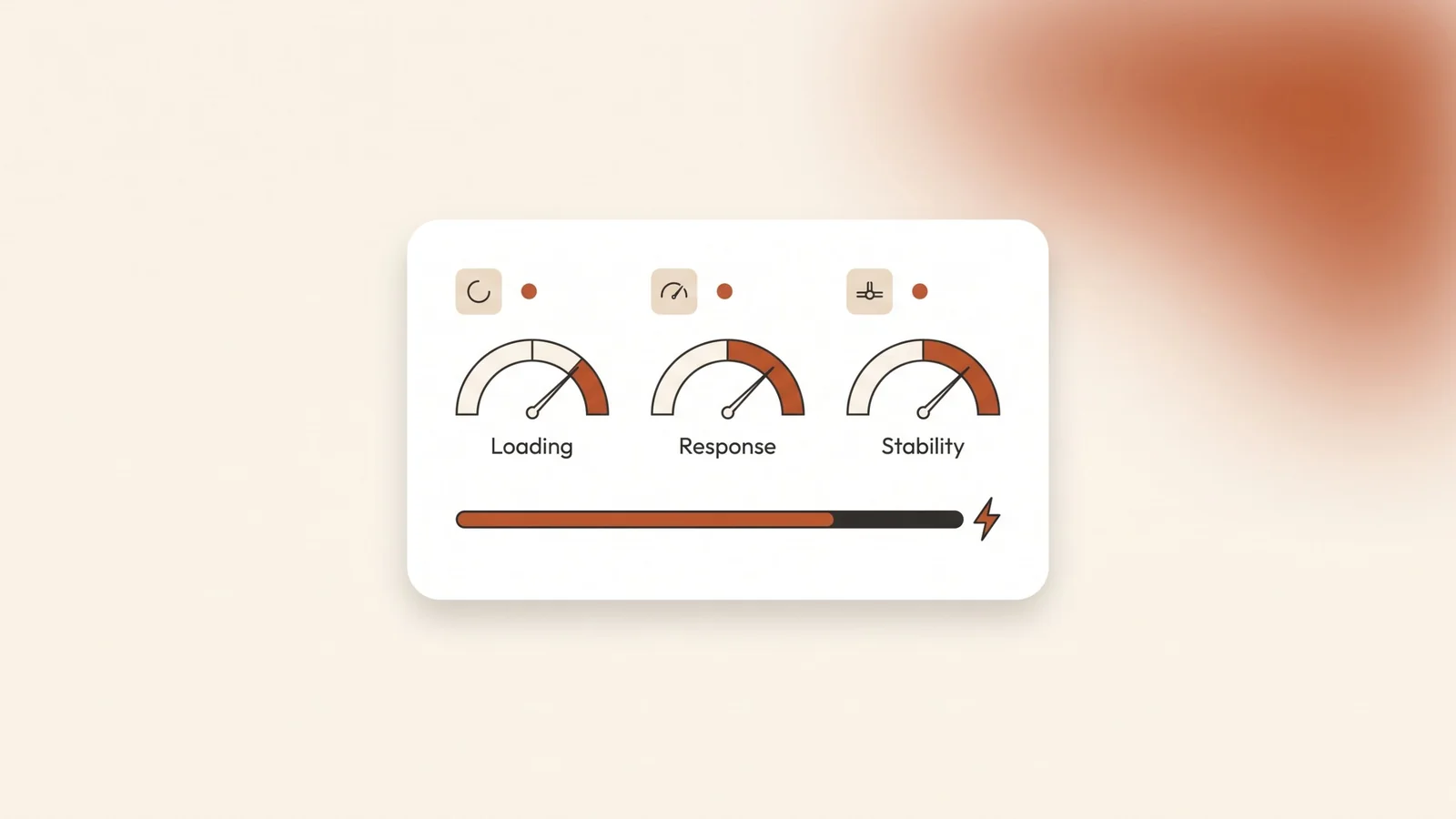
The short answer: Core Web Vitals are three measurements Google uses to judge how a page feels to real visitors. Largest Contentful Paint (LCP) measures loading and should be 2.5 seconds or less. Interaction to Next Paint (INP) measures response to taps and clicks and should be 200 milliseconds or less. Cumulative Layout Shift (CLS) measures how much the page jumps and should be 0.1 or less.
What are Core Web Vitals?
Core Web Vitals are three metrics that measure the experience of loading and using a web page. Google publishes them, and Google Search Central recommends that site owners reach good scores on all three.
- Largest Contentful Paint (LCP) measures loading. It records how long the largest image or block of text in the first screen takes to appear.
- Interaction to Next Paint (INP) measures responsiveness. It records how long the page takes to react visibly after a visitor taps, clicks or types.
- Cumulative Layout Shift (CLS) measures visual stability. It scores how much the content moves around while the page loads.
INP is the newest of the three. It replaced First Input Delay (FID) on March 12, 2024. FID only looked at the first interaction. INP watches every click, tap and key press during the whole visit. Scrolling and hovering do not count.
These scores come from real visitors, not from a test in a lab. Chrome collects anonymous timings from people who visit your pages, and Google uses that data to decide whether a page passes.
What scores count as good?
Google sets two limits for each metric. Under the first limit the page is good. Over the second it is poor. Anything between needs improvement.
| Metric | What it measures | Good | Needs improvement | Poor |
|---|---|---|---|---|
| LCP | Loading | 2.5 s or less | Up to 4 s | Over 4 s |
| INP | Response to taps and clicks | 200 ms or less | Up to 500 ms | Over 500 ms |
| CLS | Layout stability | 0.1 or less | Up to 0.25 | Over 0.25 |
Thresholds from Google’s web.dev guide to the Core Web Vitals thresholds and the Search Console help centre, checked in October 2026.
The scores are judged at the 75th percentile. In plain terms, at least three out of four visits to a page must meet the good limit for that metric to pass. A page that loads fast on your office Wi-Fi can still fail if most of your visitors are on phones with a weaker connection.
The same limits apply on mobile and desktop. Google reports the two separately, so a page can pass on desktop and fail on mobile. If most of your customers find you on their phones, the mobile result is the one to watch. Search Console shows you both.
Do Core Web Vitals affect Google rankings?
Yes, but they are one factor among many. Google says Core Web Vitals, together with other page experience signals, match what its core ranking systems want to reward. It also says there is no single page experience signal, and that Google Search always tries to show the most relevant content, even when its page experience is not great.
So a fast page with thin content will not beat a slower page that answers the search better. Good scores do not guarantee a top position. They help when your content is already competitive, and they stop a slow site from losing visitors who were ready to call.
The bigger cost is often outside rankings. Every visitor who leaves a slow page is a lost enquiry, and with Google Ads you pay for that click either way. Our guide to landing pages vs websites for Google Ads explains why the page after the click matters as much as the ad.
How do you check your website’s speed?
Use two free Google tools. They show different things, so read them together.
PageSpeed Insights. Paste a page address into PageSpeed Insights and you get two kinds of results. The top section is field data: what real visitors experienced over the previous 28 days. If a page has too few visits, the tool falls back to data for the whole site, and if the site has too few visits, it shows no field data at all. The section below is lab data from a simulated test. The 0 to 100 Performance score comes from that lab test, so treat it as a debugging tool, not as your pass or fail result.
Search Console. The Core Web Vitals report in Search Console uses the same real-visitor data for your whole site. It groups similar pages together and rates each group by its worst metric. Mobile and desktop are rated separately. After you fix a problem, you can click to validate the fix, and Search Console then watches the pages for 28 days before it marks the issue as fixed.
A new or small site often has no field data yet. In that case, test your most important pages in PageSpeed Insights, fix what the lab test shows, and check Search Console again once traffic grows.
What usually slows a business website down?
The usual causes come from a short list, and each one hurts a specific metric.
Slow loading (LCP).
- A large hero image or a slider with several full-size photos at the top of the page. Resize images to the size they are shown at, and save them in a modern format such as WebP.
- The main image set to load lazily. Lazy loading is good for images further down the page, but Google’s Chrome team says to avoid lazy loading the LCP image and give it high fetch priority.
- Slow or overloaded hosting. If the server takes long to send the first byte, every other fix starts late.
Slow response (INP).
- Too many third-party scripts: chat widgets, several tracking tags, pop-ups and review badges, all loading on every page.
- Heavy page builders and themes that load large amounts of JavaScript for features the page does not use.
- Menus and forms that run a lot of code on each tap. If the menu button feels slow on a mid-range phone, INP will show it.
If you plan to add a chat assistant, our guide to AI chatbots for business websites covers how to add one without slowing the page.
Jumping layout (CLS). Google’s web.dev guide lists the most common causes as images without dimensions, ads and embeds without reserved space, content injected after load and web fonts.
- Give every image a width and height so the browser reserves its space before the file arrives.
- Reserve space for banners, cookie notices and embedded maps instead of pushing the page down when they appear.
- Check how your Arabic font loads. When the web font replaces the fallback font, lines can change length and push content down.
In what order should you fix it?
- Start with your money pages. Test the home page, your main service pages and any page you send ads to. Fix those before the rest of the site.
- Test on mobile. Read the mobile result in PageSpeed Insights first, and open the page on an ordinary phone on mobile data.
- Fix the biggest image. Resize and compress the main image on each page, and make sure it is not lazy loaded.
- Remove scripts you don’t need. List every widget and tag on the site. Remove anything nobody uses, and load the rest only on the pages that need it.
- Set image sizes and reserve space. Add width and height to every image and keep space for anything that appears late.
- Look at hosting last. If the page is light and still slow to start, the server is the likely cause.
- Validate in Search Console. Once field data exists, validate the fix and check the report again after the 28 days.
Frequently asked questions
What is a good PageSpeed Insights score?
The 0 to 100 Performance score comes from a lab test, not from real visitors, so do not chase 100. What matters is whether your page passes the Core Web Vitals in the field data: LCP of 2.5 seconds or less, INP of 200 milliseconds or less and CLS of 0.1 or less.
Why does PageSpeed Insights say there is no data for my site?
Field data needs enough real visits from Chrome users over the previous 28 days. New and small sites often don’t have that yet. Use the lab results to find and fix problems in the meantime, and check again as traffic grows.
Will a faster website rank higher on Google?
Not on its own. Google says Core Web Vitals match what its ranking systems reward, but there is no single page experience signal and relevant content still comes first. Speed helps a page that already answers the search well, and it keeps visitors from leaving before they contact you.
What replaced First Input Delay?
Interaction to Next Paint (INP) replaced First Input Delay (FID) as a Core Web Vital on March 12, 2024. FID measured only the first interaction. INP measures the response to every click, tap and key press during a visit.
How long does it take to see a fix in Search Console?
About a month. The report uses real-visitor data from the previous 28 days, and when you validate a fix, Search Console monitors the pages for 28 days before it marks the issue as fixed.
The bottom line
Core Web Vitals turn “the site feels slow” into three numbers you can check: how fast the main content loads, how quickly the page reacts and how much it jumps. Pass all three on mobile for the pages that bring you leads, then spend your effort on content and your Google Business Profile. Speed will not rank a weak page, but a slow page wastes every visitor you already paid or worked for.
Kyvo Media builds fast, bilingual business websites through our website development service, and our search engine optimization work includes the technical SEO fixes behind these scores. Book a free audit and we’ll check your key pages on mobile and tell you what is slowing them down.