

You call your service “corporate legal advisory”. Your customers type “commercial lawyer Jeddah” into Google. If your page only uses your words, Google has less reason to show it for theirs, and the customer who would have called you finds someone else. Keyword research closes that gap: it shows you the words people really use before you write a single page.
The short answer: Keyword research is the work of finding the words your customers type into Google when they need what you sell, then deciding which page on your site answers each one. For beginners it comes down to four steps: list what customers ask, expand that list with free Google tools, judge each keyword by intent, search volume and competition, and give each group of keywords one clear page.
What is keyword research?
A keyword is the word or phrase someone types into a search engine. It can be one word, like “dentist”, or a full question, like “how much does teeth whitening cost in Riyadh”. Keyword research is the process of finding those phrases, measuring them and choosing which ones to target.
Google’s own SEO starter guide puts it simply: think about the words that a user might search for to find a piece of your content. It also notes that people who know a topic well may use different words from people who don’t. A specialist and a first-time customer often describe the same need in different ways, and your pages have to work for the customer.
You don’t need to repeat every variation of a phrase. The same guide says Google’s language matching systems can connect a page to queries even when the exact words aren’t on it. Keyword research is about understanding what people want and how they say it, not about stuffing a page with phrases.
Why does keyword research matter for a Saudi business?
Search in Saudi Arabia happens in two languages, and often in a mix of both. The same customer might search “dental clinic Jeddah” in the morning and “عيادة اسنان جدة” in the evening. A site that only covers one language misses the other half of the searches.
Arabic adds its own layer. People spell the same word in different ways, for example with or without a hamza, or with ة or ه at the end of a city name. They also mix in English terms written in Arabic letters, like “سيو” for SEO. Some use formal words and some use everyday Saudi words for the same thing. Our guide to Arabic SEO for Saudi websites covers how to write for this.
Location matters too. Many service searches include a city or a district, and the words people use for a service can differ between regions. Research the cities you actually serve, one at a time.
What do volume, intent and competition mean?
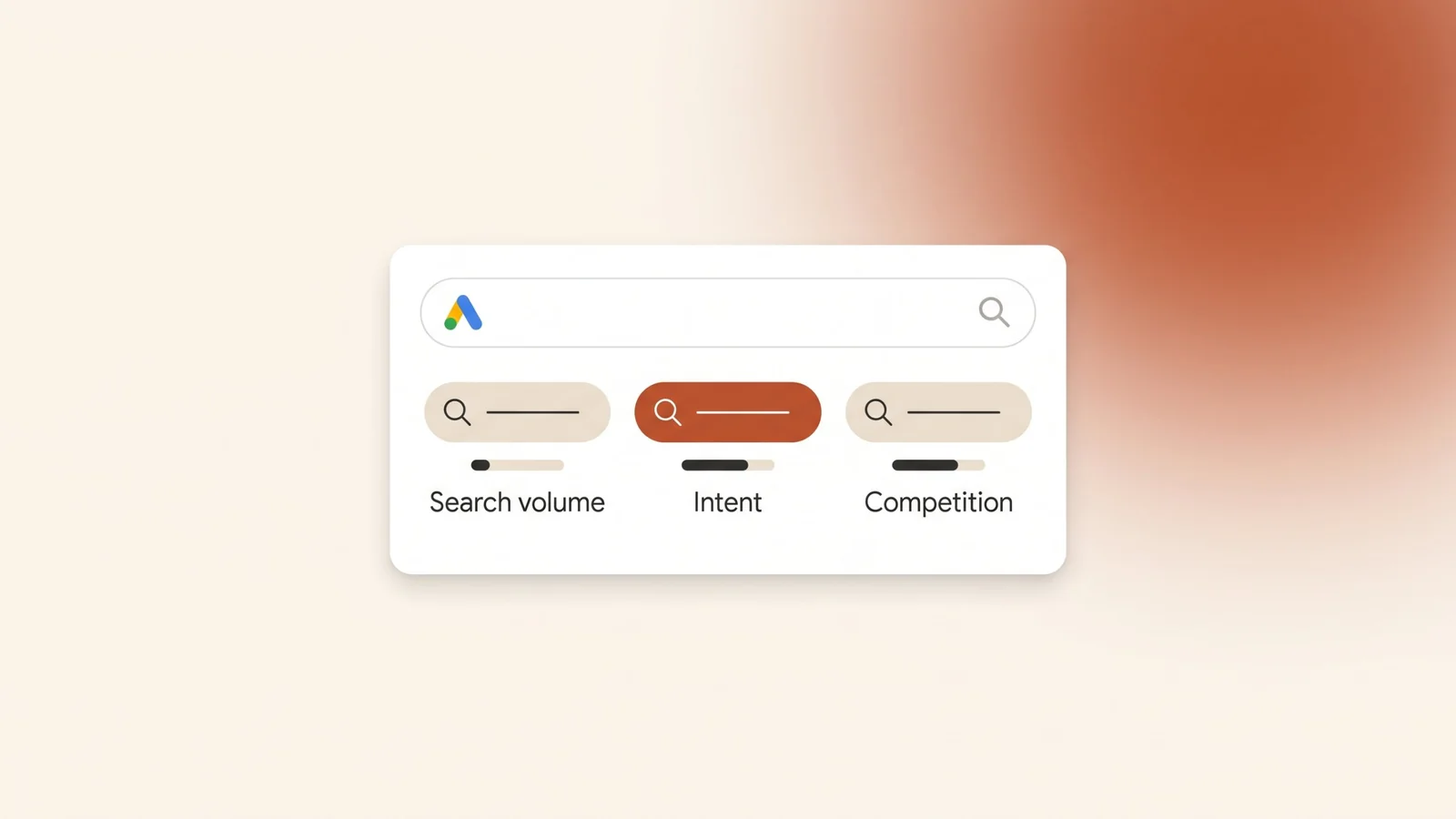
Every keyword you consider can be judged on three things. Here is what each one tells you and where to find it:
| Measure | What it tells you | Where to find it |
|---|---|---|
| Search volume | Roughly how many times people search for the keyword each month. | Google Keyword Planner (“Avg. monthly searches”). |
| Intent | What the person wants: to learn, to compare, to buy or contact, or to reach a specific business. | Search the keyword yourself and look at what Google shows. |
| Competition | How many others want the same keyword. In Keyword Planner this means advertisers, not websites. | Keyword Planner for ads; the search results page for SEO. |
Intent matters most. A small keyword with the right intent is worth more than a large one with the wrong intent.
Search volume. Google defines average monthly searches as the average number of times people searched for a keyword and its close variants. By default it is averaged over 12 months, it depends on the location and network settings you choose, and Google says the numbers are rounded. Treat it as a guide to size, not an exact count. A keyword that shows a few dozen searches a month can still bring good customers if the intent is right.
Competition. In Keyword Planner, Google describes competition as the number of advertisers that showed on a keyword relative to all keywords across Google, shown as low, medium or high. That is competition for ads. It does not tell you how hard it is to rank in the free results. For that, look at who already ranks: if the first page is full of large directories and national brands, a new local page will take longer.
Top of page bid. Keyword Planner also shows a low and high “top of page bid”. Google describes these as roughly the 20th and 80th percentile of what advertisers have historically paid, based on the last 30 days. Even if you never run ads, a high bid range is a useful signal: advertisers pay more for keywords that bring customers.
What is search intent?
Search intent is the reason behind a search. Two keywords can look similar and want very different things. Most searches fall into one of four groups:
- Learn. The person wants information. “What is a dental implant”, “how to register a business name”. These fit blog articles and guides.
- Compare. The person is choosing. “Best dental clinic in Jeddah”, “Salla or Shopify”. These fit comparison pages, reviews and detailed service pages.
- Act. The person is ready to buy, book or call. “Book teeth cleaning Jeddah”, “commercial lawyer near me”. These fit service pages and landing pages with a clear way to contact you.
- Find a specific business. The person types a brand or business name. These go to that business’s own site or Google Business Profile.
The fastest way to check intent is to search the keyword and look at the first page. If Google shows mostly articles, people want to learn. If it shows the local pack and service pages, people want a business. Build the kind of page Google is already showing, then make yours more useful.
Which free tools can you use?
You don’t need paid software to start. These free sources cover most of what a small business needs:
- Your own customers. The questions people ask on WhatsApp, on the phone and by email are keyword research. Write down the exact words they use, in the language they use them.
- Google autocomplete. Start typing a phrase into Google and note the suggestions. Google says the predictions reflect real searches that have been done on Google, and take into account the language of the query, the location it comes from and trending interest. Try it in Arabic and English.
- “People also ask” and related searches. On many results pages Google shows related questions and, at the bottom, related searches. Each one is a phrase people use.
- Google Keyword Planner. Keyword Planner is inside Google Ads. You can start with words related to your services, or enter a website and Google will look for keywords related to that site’s content. It shows estimated monthly searches, competition and bid ranges.
- Google Search Console. Once your site is live, the Performance report has a Queries tab that groups your data by the search query users typed. It shows clicks, impressions, click-through rate and average position. This is real data about your own site, which no other tool has.
- Google Trends. Trends shows how interest in a search changes over time and between places. Google’s training on Trends explains that the values do not represent absolute search volume: each point is scaled against the highest point on the chart, which is set to 100. Use it to spot seasons, such as Ramadan or the start of the school year, not to count searches.
How do you do keyword research step by step?
Here is the whole process, in order. A spreadsheet with one row per keyword is enough to hold it.
- Write your seed list. List every service you offer, in Arabic and English, the way a customer would say it. Add the cities you serve.
- Add your customers’ words. Go through recent WhatsApp chats, call notes and emails. Add every phrase and question that comes up more than once.
- Expand with Google. Type each seed phrase into Google. Add the autocomplete suggestions, the “People also ask” questions and the related searches that fit what you do.
- Get the numbers. Paste the list into Keyword Planner with the location set to where your customers are. Note the average monthly searches, competition and top of page bid range for each keyword.
- Check intent by hand. Search the most important keywords yourself. Write next to each one what Google shows: articles, service pages, the local pack, directories or online stores.
- Remove what doesn’t fit. Delete keywords for services you don’t offer, places you don’t serve, and searches where the intent will never lead to a customer.
- Group by meaning. Put keywords that mean the same thing and want the same answer in one group. “Teeth whitening Jeddah”, “تبييض الأسنان جدة” and “cost of teeth whitening in Jeddah” might share a page; “teeth whitening at home” probably needs its own.
- Map each group to one page. Decide which existing page answers each group, or which new page you need. Each group gets one page, and each page gets one main group.
- Review after launch. Once the pages are live and indexed, check the Queries tab in Search Console every month. Add new phrases you find there to your list and to your pages.
How do you turn keywords into pages?
A keyword list only helps once it shapes your pages. The usual match between intent and page type looks like this:
| Keyword group | Intent | Page to build |
|---|---|---|
| Service + city (“commercial lawyer Jeddah”) | Act | A service page for that service, or a city page if you serve several cities. |
| “Best” or “vs” searches | Compare | A detailed service page or a comparison article that answers the comparison honestly. |
| “What is”, “how to”, “how much” | Learn | A blog article or guide that answers the question fully, with a link to the related service. |
| Your business name | Find | Your homepage and a complete Google Business Profile. |
Build Arabic and English pages for each group if customers search in both languages.
On the page itself, use the main phrase where it reads naturally: in the title, the H1, the first paragraph and a few headings. Then write for the person. Google’s starter guide is clear on three points. Repeating the same words over and over is tiring for users, and keyword stuffing is against Google’s spam policies. Google Search does not use the keywords meta tag. And keywords in a domain name or URL path alone have hardly any effect on rankings.
Avoid building two pages for the same group. If your “dental implants” page and your “implant treatment” page answer the same question, they compete with each other. Merge them into one stronger page. For how Google finds and ranks those pages, see our guide on what SEO is.
Is keyword research different for SEO and Google Ads?
The research is the same. What you do with it is different.
For SEO, you are building pages that can earn visits for months or years. Learn-intent keywords are worth targeting, because a useful article brings visitors who may need you later. You also have to earn your position, so competition on the results page matters more than the advertiser competition in Keyword Planner.
For Google Ads, you pay for each click. Most of the budget should go to act-intent keywords: people ready to call, book or buy. Learn-intent keywords usually cost money without bringing leads. You also choose match types and add negative keywords to block searches you don’t want, which our post on common Google Ads mistakes explains. For a side-by-side view of the two channels, read SEO vs Google Ads.
What mistakes do beginners make?
- Chasing the biggest number. A broad keyword with high volume and mixed intent brings visitors who don’t need you.
- Researching only in English. Or translating an English list into Arabic, instead of finding how people actually search in Arabic.
- Using your own jargon. Your service names and your customers’ words are often different.
- Skipping the intent check. Writing a sales page for a keyword where Google only shows how-to articles, or the other way round.
- Reading ad competition as SEO difficulty. Keyword Planner’s competition column is about advertisers, not about ranking.
- One page for everything. Or the opposite: ten near-identical pages with only the city name changed.
- Stuffing. Repeating the keyword until the page reads badly.
- Doing it once. Never opening Search Console to see what people actually find you for.
Frequently asked questions
Is Google Keyword Planner free to use?
Keyword Planner sits inside Google Ads. Google says you need to complete your account setup, including billing information, before you can use features like getting new keyword ideas. Researching keywords there does not mean you have to run ads.
How many keywords should each page target?
One main keyword group per page. A group is a main phrase plus its close variants and related questions, all with the same intent. If two groups need different answers, they need two pages.
Should I research Arabic or English keywords?
Research both if your customers search in both. Do each language as its own research, starting from how people actually phrase things, not by translating your English list word for word.
What is a long-tail keyword?
A longer, more specific search, such as a service plus a city plus a detail. Long-tail keywords usually get fewer searches each, but the intent is clearer, so the visitors they bring are often closer to contacting you.
How often should I redo keyword research?
Do it properly before you build or rewrite a page, and again when you add a service or a city. In between, check the Queries tab in Search Console every month to see what people are already finding you for.
The bottom line
Keyword research is how you learn the words your customers use before you write your pages. Start with their questions, expand the list with free Google tools, judge each keyword by intent first and volume second, and give each group of keywords one clear page in each language. Then check Search Console every month and keep adjusting.
Kyvo Media does keyword research in Arabic and English as part of our SEO service, and uses the same research to build Google Ads campaigns that target people ready to contact you. Book a free audit and we’ll show you which searches your site is missing.