

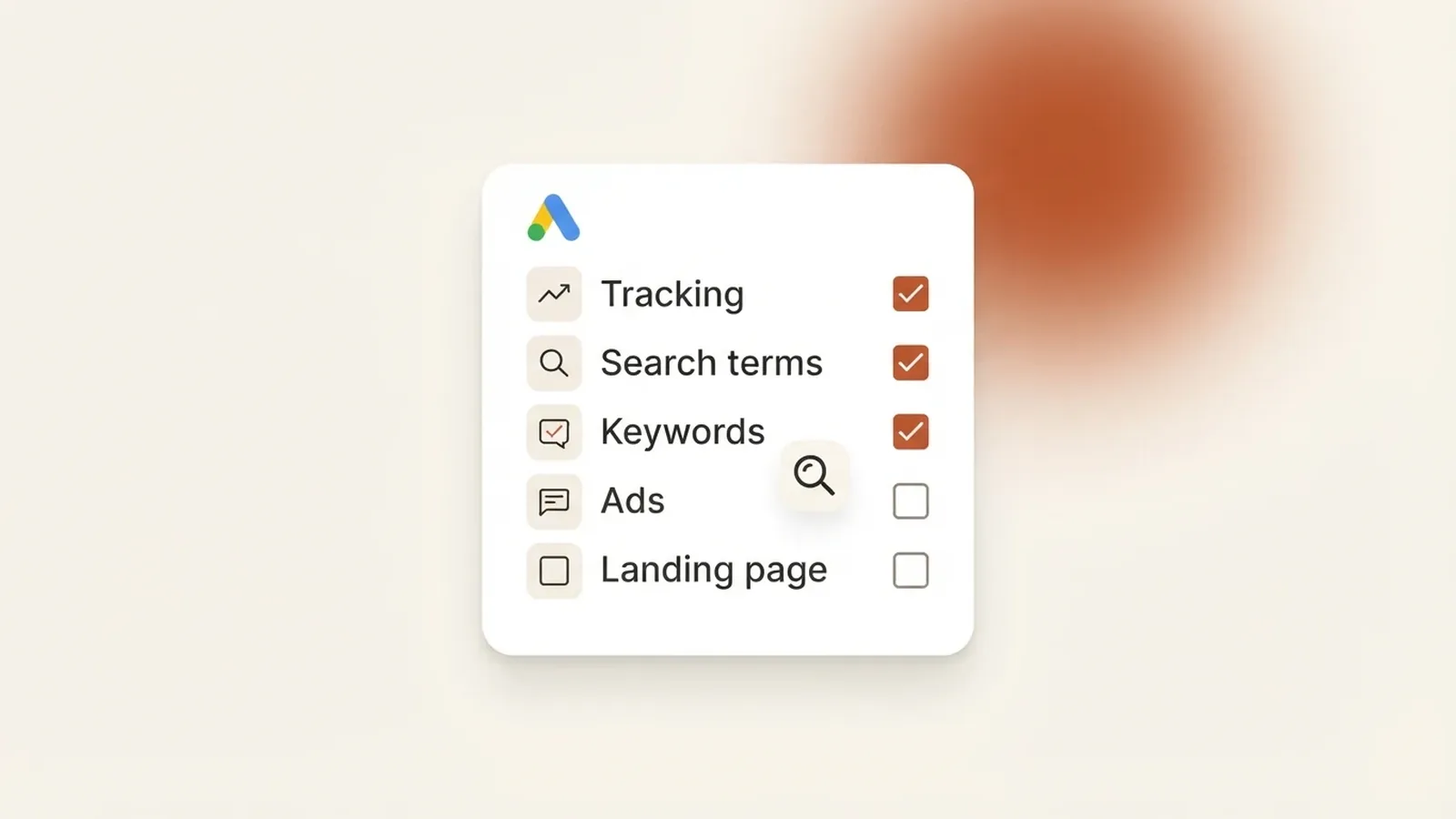
A Google Ads account rarely breaks all at once. Small leaks build up over a few weeks: a search term nobody blocked, a tracking tag that stopped firing, an ad that no longer matches the page. The account still spends every day, so nothing looks wrong until you compare the cost with the enquiries. A regular audit is how you find those leaks while they are still small.
The short answer: A Google Ads audit checks a running account in a fixed order. First confirm that conversion tracking records real calls, WhatsApp messages and forms. Then read the search terms report, add negative keywords, review keywords and match types, check bidding and budget, and review the ads and landing pages. Finish with location, schedule and auto-applied recommendations. Fix tracking first, because every other check depends on it.
What is a Google Ads audit?
A Google Ads audit is a structured review of an account that is already running. It compares what you meant the account to do with what it actually does: who sees the ads, what they searched, where they land and what happens next. The goal is a short list of fixes, ranked by how much money each one saves.
An audit is different from a launch checklist. Before launch you are guessing. After a few weeks you have data, and the audit reads that data. If your campaign has not launched yet, start with our guide to common Google Ads mistakes, which ends with a pre-launch checklist.
Before you start
Pick one date range and use it for every check. The last 30 days works for most small accounts. If the account gets only a few clicks a day, use 90 days so the numbers mean something.
Then open the change history. Google says change history lists the changes made to your account, campaigns and ad groups over the past two years. Changes made by Google’s automated systems appear there too. If results dropped on a certain day, this is where you see what changed on that day and who changed it.
Keep a simple list as you go, with three columns: what you found, what it costs you and the fix. You will rank it at the end.
Check 1: Is conversion tracking recording real leads?
Every other check depends on this one. If tracking is wrong, the cost per lead is wrong, automated bidding learns from the wrong signal and you cannot tell good keywords from bad ones.
Open Goals, then Conversions, and look at the status of each conversion action. Google lists statuses such as “Unverified”, “Tag inactive” and “Needs attention” for actions with a problem, and “Recording” for an action that is receiving conversions. Its Tag Assistant troubleshooting page explains how to check that the Google tag is installed on every page and fix those statuses.
Then check three things the status cannot tell you:
- The right actions count. Calls, WhatsApp clicks and form submissions should be the conversions that matter. A page view or a scroll is not a lead.
- The numbers match reality. Compare the conversions in the account with the calls and messages your team actually received in the same period. A large gap means tracking is missing something or counting something twice.
- Nothing is counted twice. One form submission should be one conversion, not two because two tags fire.
Our step-by-step guide to Google Ads conversion tracking covers how to set up and test each of these.
Check 2: What are people actually searching?
A keyword is what you bid on. A search term is what a person actually typed. Google’s search terms report shows the searches that triggered your ads and got clicks. Google leaves out some terms with too little search activity for privacy reasons, so the report never shows every search, but it shows enough to find the leaks.
Sort the report by cost, highest first, and put each of the top terms into one of three groups:
- Good: the term matches what you sell. If it is not already a keyword, consider adding it.
- Wrong: the term has nothing to do with you, or the person wants something you do not offer. Add it as a negative keyword.
- Unclear: the term could go either way. Leave it, and check it again next week.
In Saudi Arabia, read the Arabic and English terms separately. Wrong searches often come in one language more than the other, for example Arabic searches for jobs or courses in your field.
Check 3: Are your negative keywords doing their job?
Negative keywords stop your ads from showing on searches you do not want. They work differently from normal keywords, and that catches people out. Google says on its negative keywords page that negative keywords do not match close variants or other expansions. For Search campaigns, you need to add synonyms and singular or plural versions yourself if you want to exclude them. Google does handle casing and misspellings automatically.
In practice, check that each important negative is there in every form a customer might type. In Arabic, “مجاني” and “مجانا” are separate words, and so are “وظيفة” and “وظائف”. Add each form you want to block.
Check the opposite problem too. A negative keyword added in a hurry can block searches you want. If a good keyword suddenly gets no impressions, look at the negative lists first.
Check 4: Keywords and match types
Open the keywords list for the same date range and sort by cost. Look for:
- Keywords that spend and never convert. If a keyword has spent well past your target cost per lead with no conversion, pause it or make it more specific.
- Broad match without the data to support it. Broad match reaches a wide range of related searches. It works best with automated bidding that has conversion data to learn from. If your account has few conversions, phrase and exact match usually keep the spend closer to what you sell. Our Google Ads mistakes guide explains why.
- Keywords that compete with each other. The same keyword in two ad groups makes it hard to see which ad and page do the work.
- Keywords with no impressions. They may be too narrow, blocked by a negative or limited by your bids.
Check 5: Bidding and budget
Two numbers tell you whether you are losing searches because of money or because of quality. Google defines Search impression share as the impressions you received divided by the estimated impressions you were eligible to receive. It then splits the missed share in two: lost because of budget, and lost because of Ad Rank.
- High loss to budget: your ads stop showing because the money runs out. Before raising the budget, narrow the account to the services and areas that bring leads, so the same budget covers more of the searches that matter.
- High loss to rank: your ads lose the auction. A higher bid is one answer. A more relevant ad and a better landing page are often a cheaper one. Our guide to how Google Ads works explains how ads are ranked.
Then check the bid strategy. If a campaign uses automated bidding aimed at conversions, it needs tracking that works (check 1). If tracking was broken, the strategy has been learning from bad data.
Check 6: The ads
Google’s responsive search ads page says each ad can have up to 15 headlines of 30 characters and up to 4 descriptions of 90 characters. The minimum is 3 headlines and 2 descriptions. Many small accounts stop at the minimum, which gives Google very little to test.
Each ad also gets an Ad Strength rating, from “Incomplete” and “Poor” up to “Excellent”. Treat it as a hint, not a score to chase. Google says on its Ad Strength page that it is not used to calculate Ad Rank, Quality Score or auction wins.
What matters more:
- The ad matches the search. Someone who searched for a commercial lawyer should see “commercial lawyer” in the headline.
- The ad says something specific. “Quality service” says nothing. Who you help, what you solve and how fast you reply say something.
- Arabic searches get Arabic ads. Check that each language has its own ads, not one language for everyone.
- Every claim is still true. Old offers, old hours and old prices in ads cause bad calls.
Check 7: Landing pages
Click your own ads, on your phone, on mobile data. For each final URL, check that:
- The page loads quickly and fully on a phone.
- The headline matches the ad that sent the visitor.
- The call and WhatsApp buttons work and open the right number.
- The form sends, and someone receives it.
- No ad sends people to the homepage when a service page exists.
A broken button can waste a whole month of budget without anyone noticing. Our guides on landing pages for Google Ads and website speed cover what to fix when a page fails.
Check 8: Location, schedule and networks
Settings are easy to forget because nobody looks at them after launch.
- Location. Google’s advanced location options page calls “Presence or interest” the default and recommended option. It reaches people in your area and people who have shown interest in it. Google suggests “Presence” when you only want to reach people physically in your target locations. If you serve only one city and get calls from outside it, check this setting and the locations report.
- Ad schedule. The ads should run when someone can answer. Check the schedule against your real working hours, and update it before Ramadan and Eid.
- Networks. Check whether Search partners or the Display Network are switched on in your Search campaigns, and compare their cost per lead with Google Search alone.
- Language. Make sure the campaign targets both Arabic and English if you have ads in both.
Check 9: Recommendations and auto-apply
Google Ads can apply some of its recommendations to your account automatically. Google’s auto-apply page says that once “Automatically apply recommendations” is on, the recommendations apply regularly, that it is set at the account level and that it can be turned on or off at any time. Applied recommendations appear in the History tab and in the change history. Google also says auto-applying recommendations will not increase your budget.
Open the Recommendations page and check which types are set to apply automatically. Keep only the ones you would approve yourself. If keywords, match types or ads changed and nobody on your team made the change, look here first.
What to fix first
When the list is done, rank it. Fix what stops the account from learning before what makes it slightly better.
| What you find | What it usually means | Fix |
|---|---|---|
| Conversions do not match the calls you received | Tracking is missing actions or counting twice | Fix and test tracking before anything else |
| Costly search terms that have nothing to do with you | Missing negatives or match types that are too loose | Add negatives, tighten match types |
| Keywords with high spend and no leads | Wrong intent, or a weak ad or page for that search | Pause, make specific or move to a better page |
| High impression share lost to budget | Budget spread across too many services or areas | Narrow the account before raising the budget |
| High impression share lost to rank | Ads and pages losing the auction | Improve ad relevance and the landing page, then review bids |
| Calls from outside your area | Location option or target areas | Check location settings and the locations report |
| Changes nobody remembers making | Auto-applied recommendations | Review auto-apply settings and the change history |
A guide to common patterns, not a diagnosis. Check the data in your own account before you change anything.
How often should you audit?
Split the work by how fast things change. Read the search terms report and add negatives every week. Run the full checklist once a month. Run it again after any big change: a new service, a new landing page, a new bid strategy or a website rebuild. Change only a few things at a time, and write down what you changed and when, so the next audit can show what worked.
If you track leads outside Google Ads too, compare both every month. Our guide to lead tracking for small businesses shows how to see which enquiries became paying customers, which no ad account can show on its own.
Frequently asked questions
How long does a Google Ads audit take?
For a small account with one or two campaigns, the full checklist usually takes a few hours. The weekly search terms review takes much less. Larger accounts with many campaigns, languages and cities take longer, mainly because there are more search terms and pages to check.
What should I check first in a Google Ads audit?
Check conversion tracking first. If it does not record real calls, WhatsApp messages and form submissions, every cost per lead in the account is wrong and automated bidding learns from bad data. Then move to the search terms report.
Can I audit my own Google Ads account?
Yes. Every check in this list uses reports and settings inside your own account. The hard part is being honest about what you set up yourself. A second person who did not build the account often spots problems faster.
Does a higher Ad Strength mean better results?
Not directly. Google says Ad Strength is not used to calculate Ad Rank, Quality Score or auction wins. Use it as a prompt to add more headlines and descriptions, but judge ads on the leads they bring and the cost of each lead.
Should I turn off auto-applied recommendations?
Review them rather than leaving them on by habit. Keep only the types you would approve yourself, and check the History tab regularly. Changes to keywords, match types or ads should be decisions you make on purpose.
The bottom line
A Google Ads audit is a fixed routine, not a one-off rescue. Confirm tracking, read the search terms, tighten negatives and keywords, check budget and rank, then review the ads, pages and settings. Do the search terms every week and the full list every month, and the small leaks never grow into a wasted quarter.
Kyvo Media manages and reviews Google Ads accounts for Saudi businesses through our Google Ads management service. Book a free audit and we’ll go through your account with you and show you where the budget goes.